
Move from classroom to blended learning without losing your distinctive approach
When trainers move a programme to a blended format, they may want to preserve in-person exchanges while offering remote activities. Here is a method for choosing formats according to objectives, without assuming that you need to produce large numbers of videos.
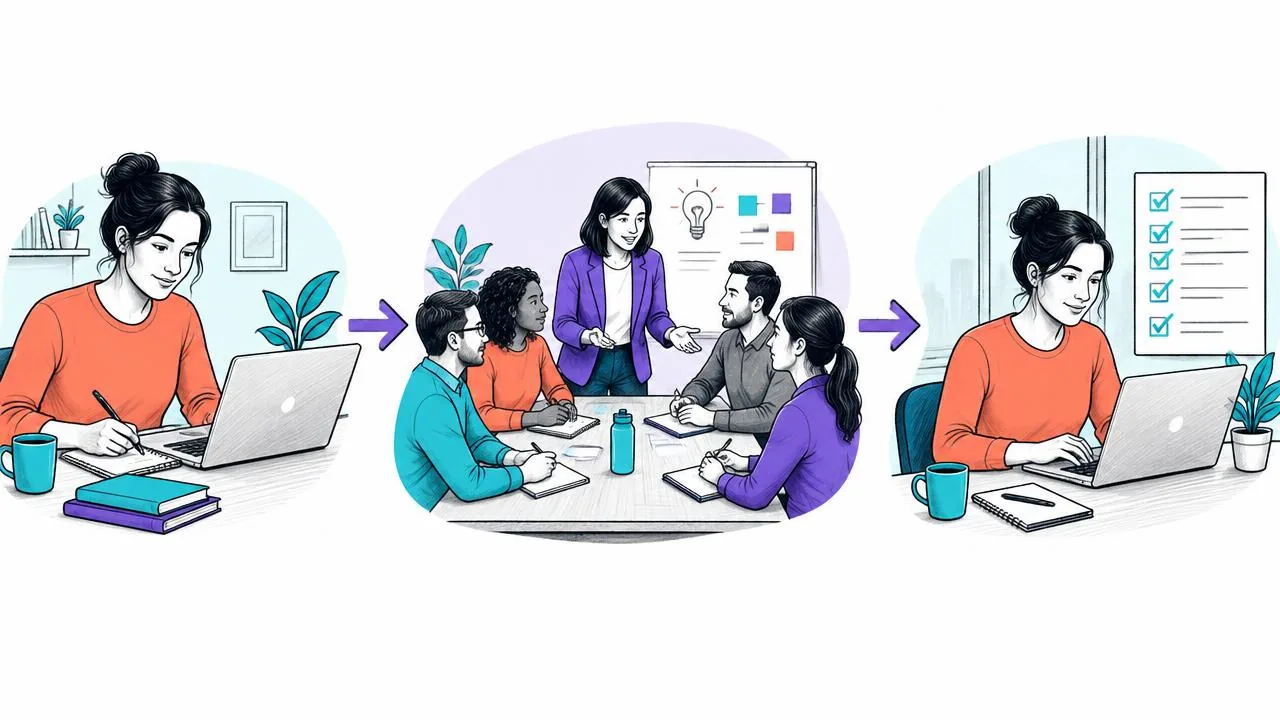
Step 1: identify what needs live discussion and what suits asynchronous learning
Not everything needs to become a video. Application exercises, scenarios and open-ended questions can remain in person or in live online sessions. Theory, demonstrations and reminders are good candidates for asynchronous learning.
Step 2: build on what you already have
Existing slides and notes can provide a starting point for asynchronous materials once rights, readability and suitability for the audience have been checked. Ask the DidacticBot team whether converting slides into narrated video is currently supported; see the independent trainers page for details.
This approach may avoid filming, but still requires scripting, accessibility checks and testing of the materials. Also read: AI and trainers: making collaboration work thoughtfully.
Step 3: let AI handle first-line questions
A conversational assistant can suggest answers to frequently asked questions if its sources and limits are clearly defined. Provide an escalation route to the trainer and measure answer quality before concluding that time has been saved.
Before converting the materials, also review the four design mistakes to watch for in an e-learning path, particularly the expected learner activity and access to resources.
Choose formats based on the activity’s constraints
Separating remote theory from in-person practice is a starting point, not an absolute rule. A contested concept may need guided discussion; an individual application task can take place remotely if the learner has a suitable environment and useful feedback. For each activity, examine the need for immediate dialogue, the equipment required and the realistic possibilities for working independently.
Investigate participation conditions before producing resources: access to a workstation, the sound environment, time available within work and confidence using the tools. An independent activity planned between sessions may become impossible if the organisation does not recognise any time slot for it. The commissioning organisation must therefore approve not only the content but also the practical conditions for completing the work.
The scoping deliverable is an activity map: the output expected from the learner, the chosen format, available help and an alternative solution. This map may lead you to keep an activity in person, offer a reading instead of a video or provide supported work. No format should be selected solely because a tool can produce it quickly.
Design the transitions between learning stages
The main risk in a blended learning path is placing resources alongside a session that does not use them. Plan a preparation task simple enough to put to use: a reasoned question, an initial decision or identification of a difficulty. Explain what the trainer will do with it. If preparation has no visible effect on the session, learners may see it as peripheral workload.
Also plan for someone arriving without having finished. A re-entry point or catch-up instructions can avoid restarting the whole course and penalising prepared participants. Distinguish an essential prerequisite for acting safely from desirable preparation that enriches discussion. The former may require postponing the activity concerned; the latter is more likely to call for an instructional adjustment.
Write a facilitation plan connecting the stages: what is requested beforehand, what is observed during the session and what is applied afterwards. For each transition, specify the message sent, the evidence expected and the person who intervenes if difficulties arise. This plan makes the support workload visible—a workload often underestimated when a project is described as simply converting materials.
Plan feedback and fallback arrangements
An independent exercise without feedback risks leaving learners uncertain. Decide in advance between an annotated answer, structured peer discussion and trainer review. The choice depends on the variety of answers and the consequences of an error. For an open-ended response, a review rubric can guide the work without claiming to automate contextual judgement.
Prepare an alternative for situations where a resource or interaction is inaccessible under the planned conditions. Downloadable instructions, text-based materials or a scheduled conversation can keep the activity going, provided their suitability has been checked. The aim is to enable the same learning, not to guarantee a technically identical experience. Test the alternative as carefully as the main learning path.
Finally, distinguish the completion time communicated to participants from the follow-up work required of the trainer. Reminders, corrections and answers must be included in workload planning. If that work cannot be provided, simplify the activity or change the feedback method before launch. Blended learning does not automatically turn classroom time into free time.
Application: a project review workshop
The learning pack includes the case, preparation instructions, observation rubric and debriefing plan. The decision criterion is the quality of the justification, not the number of resources accessed. If participants arrive unprepared, the trainer uses a simplified introductory version before the simulation. This preserves the central activity while identifying access or availability barriers that need correcting.
Key takeaway
Moving to blended learning means choosing a format consistent with each learning objective and testing its suitability with learners. Tools can make production or distribution easier, without by themselves guaranteeing that your distinctive teaching approach is preserved or that your reach increases.
Explore arrangements suited to your training practice.
Share your objectives and materials with the team to explore how it works and which arrangements need to be confirmed for your project.
Request a demo