
E-learning: four design mistakes to avoid
An e-learning programme deserves to be checked before and after it goes live. Here are four useful themes to guide that review: instructional design, interactivity, user experience and continuous improvement.
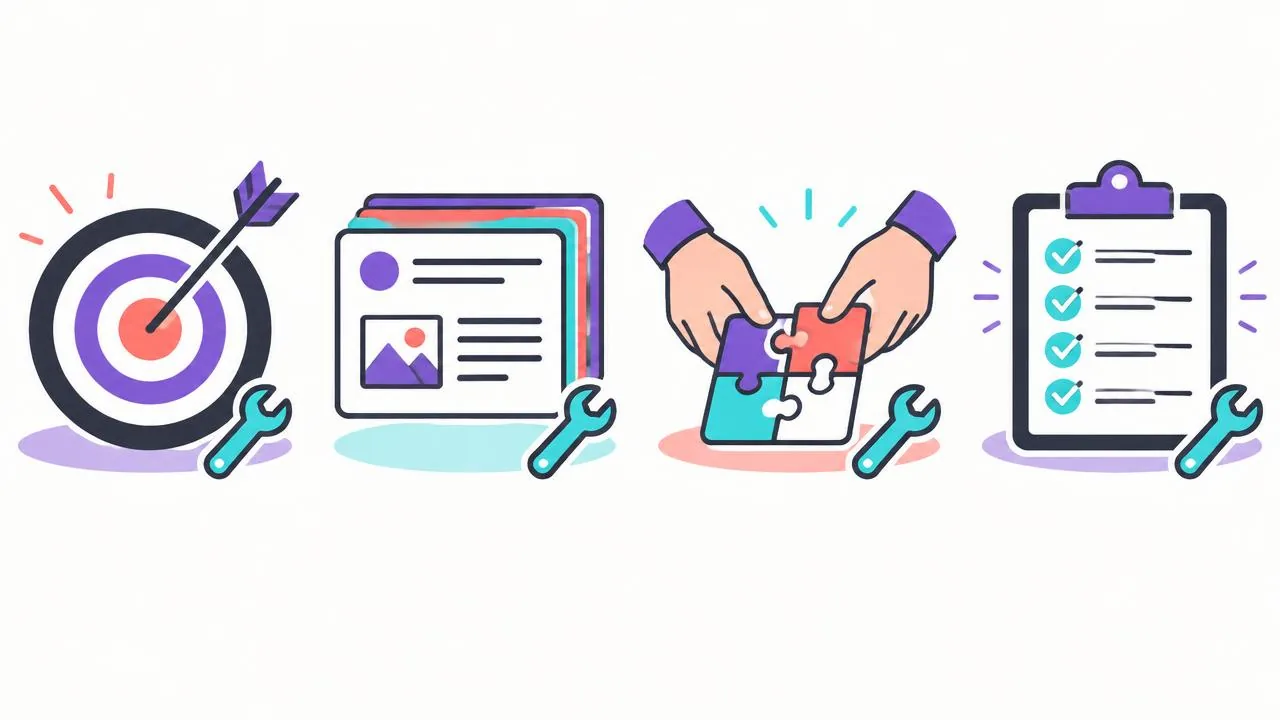
Neglecting instructional design
An observable objective helps you choose an activity and a success criterion. Organise content around that task: an explicit outline and clear instructions are useful, but a short duration or a story does not, on its own, guarantee understanding.
To divide activities between remote preparation and supported practice, see moving from classroom training to blended learning. The choice of format should start with the intended task, not the number of animations.
Forgetting interactivity
A linear video can suit some objectives, but opportunities to practise and explanatory feedback can help learners check their understanding. Quizzes and scenarios are useful only when aligned with the objectives. Explore this further in interactive online courses.
Underestimating the user experience
- Poor usability: navigation discourages learners before they reach the content.
- Overlooked accessibility, including captions, contrast and screen readers: part of the audience is excluded.
- Inadequate technical support: bugs and slow performance undermine excellent content.
Failing to measure and improve continuously
After publication, examine indicators linked to the objectives, collect learner feedback and revise problematic elements. If you use a conversational tool, check which data it collects and how those data can be accessed before making it an analytical source. See the solution for trainers.
Organise a review around the four existing mistakes
Use the article's four themes as headings in a single audit, without adding others. For each, look for evidence in the module and classify the risk: blocked access, inadequately assessed learning or an improvement to convenience. This hierarchy prevents a cosmetic correction from taking priority over an ambiguous instruction or an incorrect procedure. The review should lead to decisions about corrections, not an overall score that is difficult to interpret.
| Existing theme | Review question | Evidence to retain |
|---|---|---|
| Instructional design | What task will the person perform independently? | Objective, exercise and success criteria |
| Interactivity | Does the action reveal useful reasoning? | Expected answer and explanatory feedback |
| User experience | Can the programme be used under the intended conditions? | Test report and issues |
| Measurement and improvement | Who uses which result to correct what? | Monitoring plan and version log |
Assign an owner and deadline to each defect. A subject-matter expert validates the content; a designer checks alignment between the objective and assessment; a member of the intended audience tests usability. One person may hold several roles, but the distinction between them must remain visible. The deliverable is a register containing the location, problem, consequence, proposed correction and validation status.
Correct design and interactivity together
For the first two mistakes, start with the final assessment and work backwards towards the content. If the skill involves choosing an action, check that the exercise does not merely ask learners to recognise a word. If it involves performing a physical action, a written question cannot replace observation of that action. Remove elements that do not prepare learners for any expected action, or place them in a clearly optional further-learning resource.
Next, review the incorrect answers. A plausible error reveals a confusion to address; an absurd answer makes a high score easier without revealing understanding. For every distractor retained, write feedback explaining the overlooked criterion. Avoid giving away the answer in the wording of the question itself. Also have a competent person try the module: if they fail because of vocabulary or interface issues, the assessment needs reviewing.
Before
Click every step to unlock the next page, then answer a definition question.
After
Process an incomplete case, identify the missing information and explain why approval must wait.
The decision rule is simple: if the activity does not distinguish correct understanding from a lucky answer, change it before adding visual effects. Keep the old version so you can explain what changed and why.
Test the experience beyond its appearance
For the third mistake, W3C WAI recommends planning media accessibility from the outset and distinguishes, among other elements, captions, transcripts, visual description and an accessible player. Its resource, updated in September 2024, provides technical guidance; it does not allow a programme to be declared compliant without examining its implementation. A captioned video therefore does not resolve every access issue.
Build acceptance-testing tasks: find an instruction, pause, resume after an interruption, answer an exercise and access support. Record the device, browser and assistive tools used. Test real conditions: noise, no headset, limited availability or workplace computer restrictions. A successful test on the designer's computer does not establish that the audience will have the same resources.
- Classify an obstacle as a blocker when it prevents an intended learner from accessing an essential activity.
- Provide an equivalent alternative when voice or a particular interaction cannot be used.
- Distinguish editorial checking of captions from a broader technical audit, and name the person responsible for each.
Close the measurement and correction loop
For the fourth mistake, Samira prepares an observation sheet for a simulated count: checking the item reference, handling a discrepancy and justifying the decision. She keeps technical help requests separate. After the first release, she examines recurring errors and investigates their origin before making corrections. A wrong answer may stem from a poorly explained procedure, a missing prerequisite or an ambiguous case; the remedy differs.
The monitoring deliverable includes a priority change, its reason, its date and the expected outcome of the next check. If a correction affects a workplace rule, the expert revalidates it. If it affects only a button label, targeted acceptance testing may suffice. This approach keeps the four mistakes as a stable framework while evidence and corrections evolve across versions.
Key takeaways
These four themes provide a review framework, not a guarantee of results. Design around the objectives, make activities accessible, test the programme and improve it using observations.
Sources and scope
- [enrichment-wai] Making Audio and Video Media AccessibleW3C WAI, updated on 17 September 2024.
Technical guidance on accessible media; it is neither a compliance audit nor a determination of an organisation's specific obligations.
Explore arrangements suited to your training practice.
Share your objectives and materials with the team to explore how it works and which arrangements need to be confirmed for your project.
Request a demo