
Chatbot vs voicebot for training: text or voice?
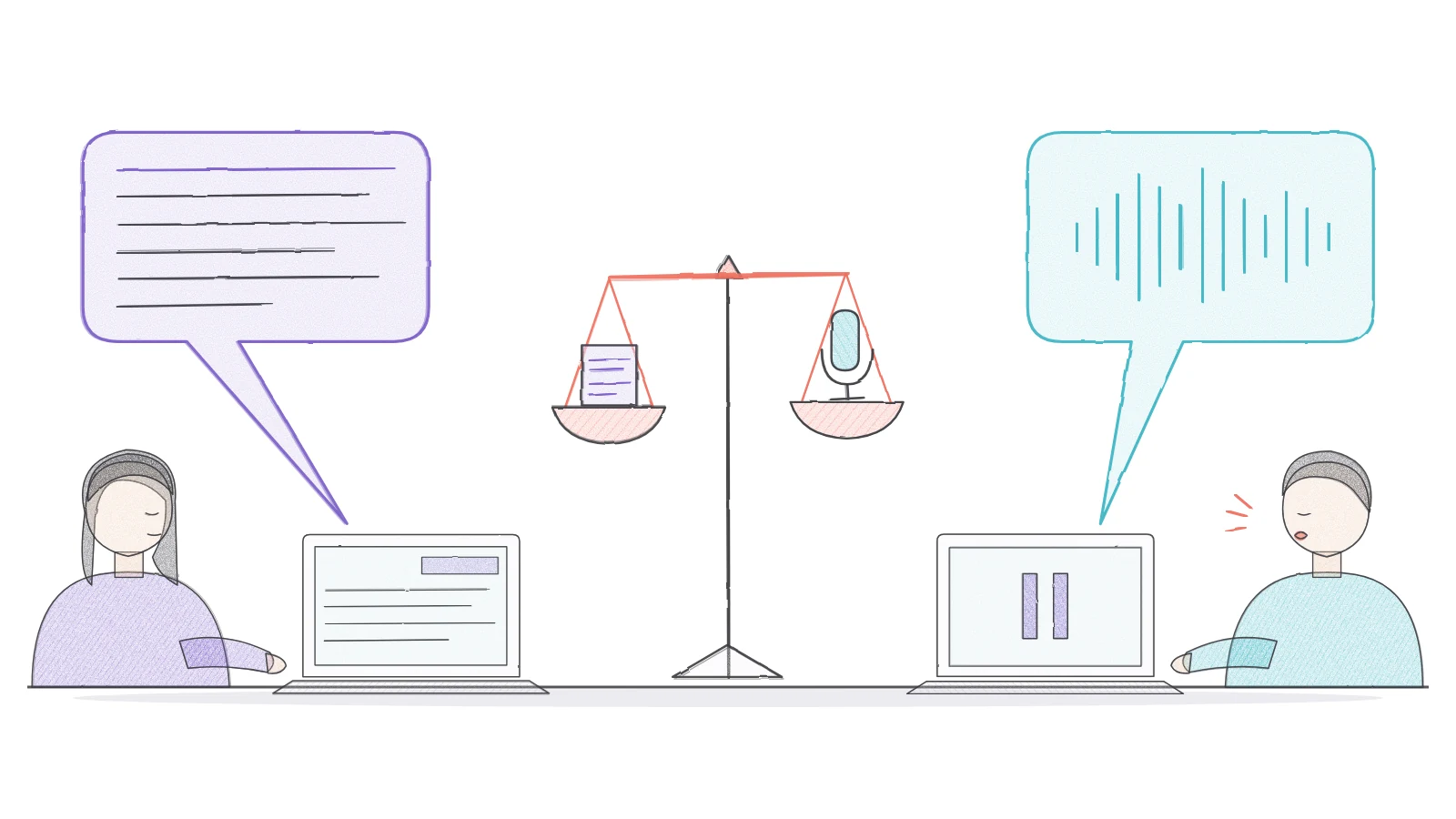
AI learning assistants can answer learners in writing, like a chatbot, or out loud, like a voicebot. Choosing between them is not a matter of taste or technology. It depends on what learners are doing when they ask, how long the answers need to be, who has to be able to use the tool and what data it captures. This article compares text and voice on four criteria (accessibility, learning, cost and learner experience) and gives you a checklist for deciding on text, voice or both.
The short answer
A voicebot works best when learners have their eyes on something else, such as a video or a task they are carrying out, and the answer they need is short. A chatbot works best when the answer is long, technical or worth rereading, and when learners cannot speak out loud. In many programmes the right choice is both: voice for quick questions during the course, text as an alternative and as a record. Our Features page shows how DidacticBot answers by voice during training videos.
Chatbots and voicebots: what actually differs
A learning chatbot is a conversational AI assistant that learners interact with in writing. A voicebot takes the question as speech, converts it to text with speech recognition and answers with synthesised speech. Both can run on the same AI model and draw on the same course materials. The real difference lies in the input and output channel, and in everything that channel means for the learner.
Hybrid set-ups also exist: a spoken question with a written answer, a typed question with an answer read aloud, or a spoken answer with a live transcript. For a broader introduction to learning through dialogue with an AI agent, see our guide to conversational e-learning.
Text vs voice on four criteria
| Criterion | Chatbot (text) | Voicebot (voice) |
|---|---|---|
| Accessibility | Can work with screen readers if the interface is accessible, and needs no speech; learners must be able to put their question in writing | Helps people who find typing or writing difficult; without an alternative, excludes learners who are Deaf or hard of hearing, or who have speech disabilities |
| Learning | Suits long answers, procedures and technical terms that learners may need to reread | Suits short explanations during a video or task, without looking away |
| Cost | Covers processing questions and generating answers | Adds speech recognition and speech synthesis, recognition testing with real learners and a text alternative |
| Learner experience | Discreet in open-plan offices, on the shop floor or on the move; slower to type | Faster to ask; affected by background noise and awkward in shared spaces |
Treat this table as a framework rather than a ranking: weight each criterion according to your learners, where they train and what they need to learn. The sections below set out what the research and guidance say on each point.
Accessibility: no single channel works for everyone
In a 2022 Group Draft Note, Natural Language Interface Accessibility User Requirements, the W3C sets out what people with disabilities need from text and voice interfaces. Several requirements bear directly on the chatbot vs voicebot choice: support multiple input and output methods, provide a synchronised text transcript alongside spoken output, allow typed input with spoken output for people with speech disabilities, and let users switch input method at any time. The note also points out that speech input is cognitively taxing.
Speech recognition accuracy also varies from one speaker to another. A 2020 study in PNAS tested five commercial speech recognition systems on American English and found an average word error rate of 0.35 for Black speakers compared with 0.19 for white speakers. Those figures relate to systems tested before 2020 and to one language variety, but the lesson carries over: test any voicebot with the real range of voices, accents and speech patterns among your learners.
Learning: voice for short answers, text for long ones
Asking the question: speech is faster
Researchers from Stanford University and the University of Washington compared dictation with a smartphone keyboard in a study of 48 participants in English and Mandarin, published in late 2017 in the Proceedings of the ACM on Interactive, Mobile, Wearable and Ubiquitous Technologies (IMWUT). When copying short phrases, speech was about 2.9 times faster than typing. The test took place in a quiet room with set phrases, so it does not measure a learning conversation, but it suggests that asking a question out loud takes less time than typing it.
Taking in the answer: long spoken explanations are harder to follow
Cognitive load research adds an important caveat about the answers. In two experiments published in Instructional Science in 2016, in which participants learned to read a contour map, Wayne Leahy and John Sweller found that a long spoken explanation alongside a visual did worse than the same text in writing. Spoken text only came out ahead once it was very short, which took a further cut in the second experiment. They attribute this to the transient information effect: speech disappears as it is spoken and has to be held in working memory, whereas written text stays on the page.
For an AI learning assistant, a cautious rule of thumb follows: voice suits brief rephrasings while the learner is watching a video or looking at a diagram; text suits multi-step procedures, figures, definitions to memorise and anything learners will want to come back to. For testing a voice interaction end to end and planning a silent alternative, see our article on voice interaction in learning.
Cost: the line items to compare, not a headline figure
There is no reliable benchmark price for comparing a learning chatbot with a voicebot: pricing depends on the vendor, usage volume, languages and billing model. Instead of a single number, compare the cost components and ask vendors to spell them out.
- Both: preparing and updating the content the assistant draws on, processing questions, and review of answers by your learning team.
- Voice only: speech recognition for every question, speech synthesis for every answer, recognition testing with real learners, and any storage of recordings.
- Accessibility: a text alternative or transcript for learners who cannot use voice.
- On the learner side: working microphones and headsets, and a quiet place or dedicated space to learn out loud.
Learner experience and data: where people learn often decides
The best channel on paper can fail in practice. A voicebot is a poor fit for open-plan offices, the shop floor or public transport, where learners hesitate to speak and noise disrupts recognition. It comes into its own when learners are watching a video, handling equipment or studying alone somewhere quiet. A chatbot is discreet anywhere, but learners have to look away from the content to read and type.
Voice also raises its own data protection questions. If you train learners in the European Union, the European Data Protection Board’s Guidelines 02/2021 on virtual voice assistants (version 2.0, adopted on 7 July 2021) are a useful reference. They state that voice data is personal data, that it falls under Article 9 of the GDPR when processed to uniquely identify a person, and that recordings can capture other people’s voices and background noise. They recommend limiting the type and amount of data collected and informing users at the latest when their data is obtained (guidelines checked on 19 November 2026).
Example: voice during DidacticBot training videos
DidacticBot uses voice at the moment learners are watching a training video: the video pauses automatically when the learner asks a question, and the AI answers by voice from the course materials. The learner then asks for the video to resume after the exchange. Any alternatives (text, transcripts) for learners who cannot use voice need to be discussed with the team for each project.
Decision checklist: eight questions to ask
- What are learners doing when they ask a question: watching a video, handling equipment, reading a document?
- Are the answers short, or are they procedures, figures and definitions that learners will reread?
- Where do learners study: somewhere quiet, an open-plan office, the shop floor, on the move?
- Which disabilities, languages and accents are represented among your learners?
- Can learners switch channel at any time, and are spoken answers available as a transcript?
- Has speech recognition been tested with learners who represent your audience?
- What voice data is recorded, for how long, and is voice used to identify learners?
- Which voice-specific costs does the vendor charge for, and on what basis?
Key takeaways
Choosing between a chatbot and a voicebot for training means matching a channel to a learning situation. Voice makes questions faster and keeps learners’ eyes on the content, but it handles long answers poorly and shuts some learners out without a text alternative. Text can be reread and works anywhere, at the cost of typing. Start from your learners’ real situations, test with them, and always give them a way to switch from one channel to the other.
Sources and scope
- [w3c-naur-2022] Natural Language Interface Accessibility User RequirementsW3C, Accessible Platform Architectures Working Group, Group Draft Note, 3 September 2022; checked on 19 November 2026.
Accessibility needs and requirements for text and voice natural language interfaces: multiple input methods, synchronised transcripts, switching modes. A group note, not a normative standard.
- [koenecke-2020] Racial disparities in automated speech recognitionKoenecke A., Nam A., Lake E. et al., PNAS, vol. 117, no. 14, pp. 7684–7689, 2020.
Five commercial speech recognition systems tested on American English; average word error rate of 0.35 vs 0.19 depending on speaker group.
- [ruan-2017] Comparing Speech and Keyboard Text Entry for Short Messages in Two Languages on Touchscreen PhonesRuan S., Wobbrock J. O., Liou K., Ng A., Landay J. A., Proceedings of the ACM on Interactive, Mobile, Wearable and Ubiquitous Technologies, vol. 1, no. 4, article 159, December 2017.
Lab study with 48 participants (English and Mandarin) copying short phrases on a smartphone; does not measure a learning context.
- [leahy-sweller-2016] Cognitive load theory and the effects of transient information on the modality effectLeahy W., Sweller J., Instructional Science, vol. 44, no. 1, pp. 107–123, 2016.
Two experiments (learning to read a contour map): long spoken text does worse than written text; only very short spoken text does better (transient information effect).
- [edpb-guidelines-02-2021] Guidelines 02/2021 on virtual voice assistants, version 2.0European Data Protection Board (EDPB), adopted on 7 July 2021; checked on 19 November 2026.
Voice data, GDPR Article 9 when used for identification, data minimisation, third-party voices, informing users. Not an assessment of any specific tool.
Text, voice or both: which channel suits your learners?
Tell our team about your learners, where they train and the materials you use, to see how it works and what needs confirming for your project.
Request a demo