
Online learning: using stories without confusing engagement with learning
Series build narratives using characters, stakes and transitions. Some of these techniques can inspire a training programme, provided the story remains in service of the objectives and is not presented as a guarantee of engagement on its own.
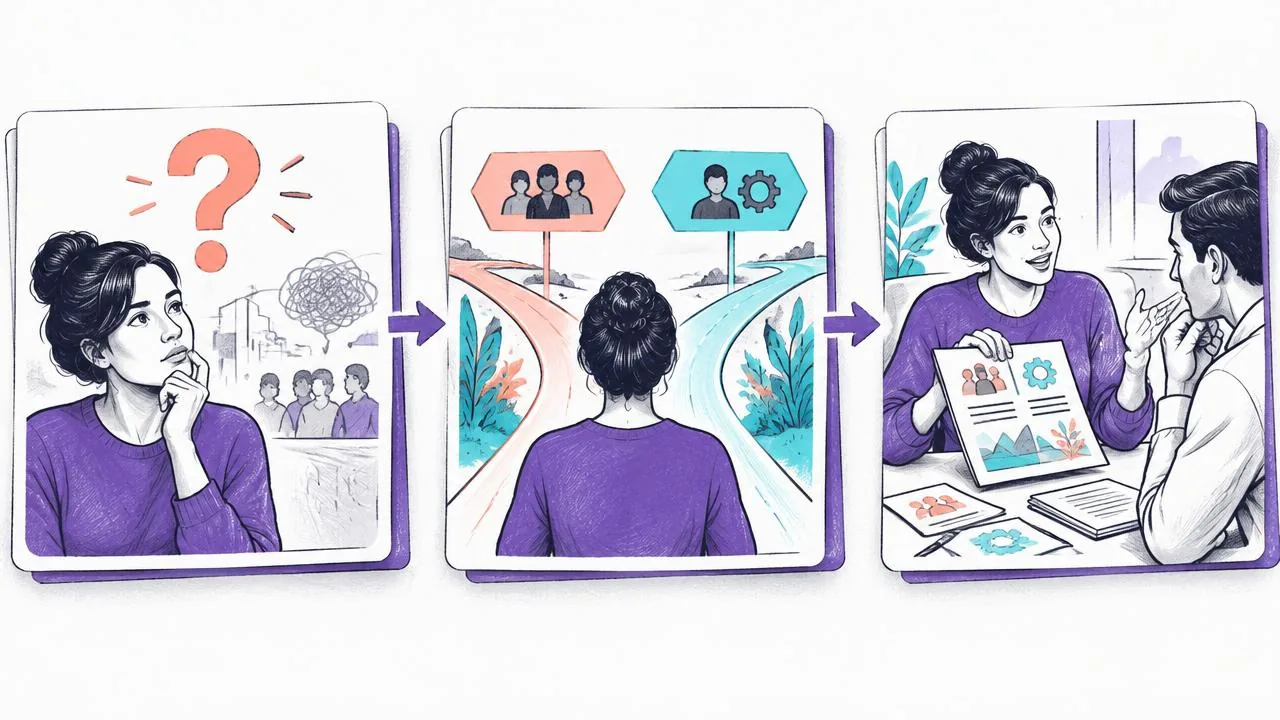
The story as a connecting thread
Build a workplace situation to resolve and make explicit what the learner needs to be able to do. The story can connect the stages; twists are useful only if they illuminate a decision or a real difficulty without delaying useful information.
Pacing and structure
Microlearning and chapters
Divide the content into coherent sequences, each linked to an objective. Their duration depends on the task and audience: short segments alone do not guarantee reduced cognitive load or sustained attention.
Transitions and teasers
At the end of a sequence, introduce the next question or task with a clear signpost. This transition helps learners understand the structure; it does not guarantee that they will return and must not replace a useful conclusion.
A variety of formats
Alternate formats when each serves an activity: observing a demonstration, making a decision in a scenario, answering and then justifying. Changing format solely to surprise can scatter attention.
Interactivity and personalisation
A choice-based scenario can ask learners to justify a decision and provide explanatory feedback. Branching and adaptation capabilities depend on the tool; not all are demonstrated by DidacticBot. Voice provides another channel for requesting an explanation, described in voice interaction in learning.
Connect the scenario to the interactive activities in an online course. To discover situations actually presented, explore DidacticBot serious games, without treating games as a guarantee of effectiveness.
Extend the programme without forcing the pace
- Make progress visible when the signpost helps learners understand where they are.
- Offer useful reminders through arrangements learners can control.
- Connect sequences with a relevant question, without encouraging continuous viewing at the expense of practice.
Build a learning story bible
The series analogy helps you think about editorial consistency, not reproduce an entertainment platform. Prepare a two-page story bible covering the audience, workplace problem, character's role, stages of the case and skills involved. Each episode must connect to a specific decision. If a scene changes neither the available information nor the expected reasoning, shorten or remove it.
Give the character a credible constraint: a deadline, an incomplete case or an unavailable contact. Avoid contrivances that force learners to guess a hidden intention. The story should put rules to the test, not punish readers for failing to anticipate a twist. For an experienced audience, provide direct access to resources and complex cases so the story does not become a compulsory detour.
- Provide one sheet per episode: objective, situation, decision, reference information and debriefing.
- Distinguish invented elements from the workplace rules that actually apply.
- Have dialogue validated by someone in the profession and remove identifying data taken from real cases.
Connect episodes, choices and debriefings
| Stage | Learning function | Point to watch |
|---|---|---|
| Entering the situation | Present what needs to be decided | Do not delay the essential instruction |
| A justified choice | Make a judgement criterion visible | Avoid caricatured answers |
| Consequence | Show what changes in the case | Do not invent a rule to create suspense |
| Debriefing | Compare reasoning and formalise the guiding principle | Provide a conclusion usable outside the story |
The debriefing is the exit point towards real work. First ask what guided the decision, then present the expected criterion and a counterexample. A successful outcome shown in a scene does not explain why one option is preferable. Prepare a job aid independent of the plot: learners must be able to find a rule without replaying the whole episode.
Also define what remains linear and what can branch. Two choices leading to the same feedback do not necessarily require two videos. A short text describing the consequence may be enough. Limit branches to decisions whose differences genuinely matter; otherwise, maintaining the story will absorb the time needed to improve the activities.
Let learners control the pace
Plan sequence endings that close one task and introduce the next without manufacturing an artificial gap. The ability to stop matters in an interruption-prone workplace. A useful reminder recalls the next action and the time to set aside; it does not make the person feel guilty. Notification arrangements must be explicit and compatible with the organisation's rules.
The W3C WAI guide to accessible media, updated in September 2024, distinguishes requirements for captions, transcripts and descriptions of visual information. For a story, this includes making useful clues that appear only on screen understandable. Accessibility must therefore be planned in the script, not reduced to adding a caption file at the end.
Borrowing an editorial approach requires no third-party logo, interface screenshot or claim about recommendation algorithms. Use your own visual identity and understandable navigation rules. If different pathways are offered, explain the criterion: declared prerequisites, job role or performance on an activity. Transparent, controllable guidance is more useful than personalisation presented as mysterious.
Worked example: a complaint case in three episodes
Léa writes two variants of the case for each episode. One is used for practice with feedback, the other for a check without hints. She then asks learners to handle a brief case without the story's characters. This final exercise examines whether the person can use the criterion outside the story, rather than merely recognise dialogue they have already seen.
Before
Each video ends on a cliffhanger, and success consists of watching the complete series.
After
Each episode resolves a decision, provides a reference learners can revisit and prepares a different case to check reuse.
The validation pack brings together the storyboard, workplace rules, job aid, marking rubric and usability observations. If testers remember the plot but cannot explain their decision, rework the debriefing. If the story distracts from the instruction, simplify it. Release depends on these criteria, not on an aesthetic resemblance to a series or a supposedly ideal viewing duration.
Key takeaways
A story can bring coherence to several modules, but it replaces neither objectives nor learning activities. Use plot, characters and choices in moderation, then check that each sequence genuinely helps the learner.
Sources and scope
- [enrichment-wai] Making Audio and Video Media AccessibleW3C WAI, updated on 17 September 2024.
Technical guidance on accessible media; it is neither a compliance audit nor a determination of an organisation's specific obligations.
Discover voice conversations during video training.
Share your objectives and materials with the team to explore how it works and which arrangements need to be confirmed for your project.
Request a demo