
From classroom to digital learning: five key steps for e-learning
Adapting classroom training for digital delivery requires instructional choices as well as technical ones. This five-step roadmap helps you examine objectives, activities, tools and feedback while preserving the elements of the trainer's approach that support learning.
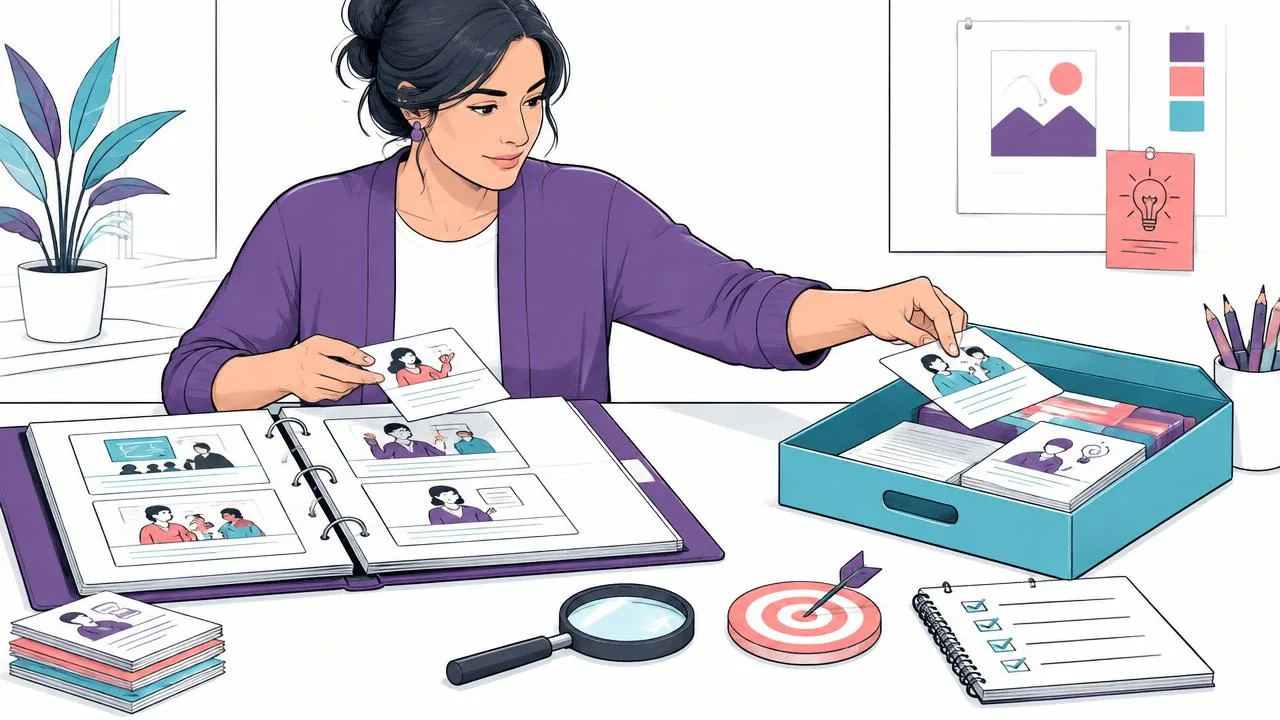
1. Diagnose your needs before making the move
Clarify the learning objectives, inventory existing resources such as PowerPoint presentations, recordings and exercises, and identify technical and human constraints. This analysis avoids redesigning everything from scratch and reveals suitable formats.
If videos already exist, start with the method for reactivating a training video library to distinguish reliable materials from those to correct or remove.
2. Design an engaging digital experience
Turn content into interactive learning pathways
Depending on the objectives, turn some parts into quizzes, practical situations or choice-based scenarios. An interactive activity does not automatically guarantee attention or retention; check that it helps learners practise or understand.
Use gamification where appropriate
Badges or progress markers can make certain stages visible. Use them only if they are useful to the audience and objectives; their effect on persistence depends on the context.
Preserve your authentic training approach
Videos in which you address learners directly, anecdotes and examples from experience: digital delivery is not a loss of personal connection, but a new way to build it. See also moving from classroom training to blended learning.
3. Put the right tools in place
Choose a platform suited to the intended uses and security and accessibility requirements, and check where data are hosted if European hosting is necessary in your context. Automation can simplify some monitoring tasks, but is not in itself evidence of impact. Plan appropriate tutoring and human support arrangements.
The DidacticBot demonstration shows spoken questions during a video, answers grounded in validated materials and playback resuming on request. Other arrangements for organisation, importing and monitoring must be confirmed: see the LMS and voice AI features.
4. Pilot, measure and adjust
Start small, with one module tested by a limited group. Collect LMS data and feedback. Iterate before extending the rollout.
5. Improve continuously
Add new content, incorporate interactive activities and review scenarios. A digital learning project is never static.
Turn the diagnosis into a migration map
To make the existing five steps manageable, create a migration map rather than a list of media to produce. Each row corresponds to a classroom activity: an explanation, demonstration, exercise, frequently asked question or debriefing. State its function and the expected evidence. A slide is not automatically a learning unit; several may serve one decision, while an oral exercise may require several remote resources.
| Original activity | Migration decision | Deliverable |
|---|---|---|
| Explanation of a stable rule | Make available for remote reference | A short reference sheet or narrated sequence |
| Demonstration of a physical action | Film only what needs to be seen | A filming plan and practice instruction |
| Discussion of a complex case | Retain a facilitated exchange if necessary | A preparation pack and debriefing outline |
| Recurring questions | Organise a validated resource | Questions, reference answers and an owner |
This map helps you choose what will not be digitised. If a physical action requires equipment or safety observation, retaining a supported session may be the right decision. The criterion is not the proportion of content placed online, but whether the skill can be performed and assessed under appropriate conditions.
Establish a production agreement before filming
For each resource, identify who writes it, who validates it and who authorises publication. They may be the same person in a small organisation, but the decisions remain distinct. Set the limits of the first batch: one objective, one audience and a small set of cases. First prepare a representative prototype, including an exercise and feedback, rather than a highly polished trailer that does not test the real difficulty.
The W3C WAI media guide, updated on 17 September 2024, recommends incorporating accessibility from the planning stage. It distinguishes, among other elements, captions, transcripts and descriptions of visual information. In a production agreement, therefore, specify who describes relevant physical actions, who reviews captions and who checks the player. These tasks cannot be replaced by a general statement that a video is “accessible”.
- Provide a validated script before recording and a register of the workplace reference sources used.
- Set acceptance criteria: accurate content, understandable instructions, a feasible activity and the ability to resume.
- Plan the files needed for later corrections, their usage rights and the person responsible for retaining them.
Add a change rule: a typographical correction can follow a short approval process; a new procedure requires revalidation of the affected activities. This distinction protects the schedule without allowing a substantive update to pass as a merely presentational change.
Separate technical acceptance testing from the learning pilot
Technical acceptance testing checks access, devices, permissions, media and required functions. The learning pilot checks whether participants understand the instructions and perform the intended task. Do not merge these two perspectives: a module may work perfectly while teaching poorly, or be instructionally sound but inaccessible from the intended workstation. Use two issue lists with owners and closure criteria.
Prepare the launch as a service: a welcome message, time to set aside, a contact for problems and an expected response time. If a conversational tool is being considered, check which documents are accepted as references, how out-of-scope questions are handled and how to obtain human help. Do not assume export, monitoring or integration functions that have not been confirmed for the project.
The end-of-pilot deliverable contains a reasoned decision: release, correct and retest, or retain part of the training in person. Classify issues by their effect. A dangerous answer about workplace practice blocks publication; a presentation improvement can wait if it does not prevent use. These decisions must remain clear to future maintainers, not merely known to the launch team.
Worked example: migrating an installation workshop
Romain asks an experienced technician to check the case's accuracy and a new starter to test the instructions. He records what stems from a missing prerequisite and what stems from a navigation problem. He then prepares a second case to assess learning. The in-person workshop begins with practical application, without assuming that merely accessing the module guarantees adequate preparation.
Before
Record the entire day and publish it as one long mandatory replay.
After
Allocate preparation, reference access and supported equipment handling according to their function, then check each deliverable separately.
At publication, Romain includes a maintenance sheet: procedure version, review date, owner and update triggers. A change of equipment or a recurring error must reopen validation. These deliverables and progression criteria make the five steps executable.
Key takeaways
Moving to digital delivery allows you to rethink activities, tools and support without mechanically reproducing the classroom course. These five steps structure the work; test the programme and adjust it according to objectives, learner needs and feedback.
Sources and scope
- [enrichment-wai] Making Audio and Video Media AccessibleW3C WAI, updated on 17 September 2024.
Technical guidance on accessible media; it is neither a compliance audit nor a determination of an organisation's specific obligations.
Discover how DidacticBot supports your training projects.
Share your objectives and materials with the team to explore how it works and which arrangements need to be confirmed for your project.
Request a demo